
Most visitors want to stay in touch on a Tanzania trip, whether to message family, order a taxi in Arusha, use a map or post a photograph. The questions we hear are practical: should I buy a local SIM, will my phone work, which network is best for the parks and what does it cost? We live and work here, so we use these networks every day. This guide explains your options, what you need to register a SIM, how coverage behaves on safari and what to expect from the Wi-Fi at camps, with the caveat that prices and rules change and we have not quoted them.
The short answer
For most visitors, the best approach is a local SIM or a local or regional eSIM for data, bought from an official carrier store with your passport, with your home phone unlocked and your home SIM kept safe. Coverage is good in towns and along main roads and patchy in remote parks, so plan to be offline for much of a safari, and treat any connection as a bonus. Camps and lodges often have Wi-Fi in common areas, though it can be slow. If you only need basic data, a travel eSIM can be simpler, though it may cost more per gigabyte.
Before you buy: is your phone unlocked?
Check that your phone is unlocked and can accept a different SIM or eSIM. Phones from some carriers are locked to the network that sold them, and a local SIM will not work in them until the carrier unlocks it, which can take days. Ask your carrier before you travel, and test with a friend's SIM if you can. Check also whether your phone supports eSIM, which most recent models do, and whether it is dual-SIM, which lets you keep your home number active for calls and texts while using a local SIM for data.
Think about what you need. If you only want messaging and the occasional map, a small data package is enough. If you work remotely, share your phone's connection or send large photographs, you will need more, and you may prefer a physical SIM with a large data bundle, which is usually cheaper per gigabyte than a travel eSIM. Roaming on your home plan is the simplest option but is often the most expensive, so check the daily charges before you rely on it.
The main networks
Tanzania has several mobile networks, including Vodacom, Airtel, Yas, which was formerly known as Tigo, Halotel and the state operator TTCL. For visitors, Vodacom and Airtel are the two most often recommended. Several travel guides report that Vodacom has the widest coverage across the country, making it a sensible choice if you will travel widely, while Airtel is often reported to have good coverage in the northern safari areas and the Arusha region, sometimes at slightly lower prices. These are general reports and not guarantees.
Coverage depends on exactly where you go, so the best advice is local. Your guide or lodge will know which network works best in the area you are visiting, and some guides carry more than one SIM for exactly that reason. If you are on a short trip to the northern circuit, either of the main networks will work in towns and along many roads, and you can ask us which we would suggest for your route. For the southern parks, coverage is more variable still.
Plan your arrival: visa and entry guide, money and currency, Arusha travel guide and packing list. See our private Tanzania safari options.
Registering your SIM
Tanzanian law requires SIM cards to be registered with a verified identity, and visitors are asked to show their passport. In practice, the staff at an official carrier shop will register your details, often with a fingerprint or photograph, and activate the SIM, which is usually done within minutes. Some outlets may also ask to see your visa or entry stamp. Buy from an official store or a recognised agent, not from a street seller, since an improperly registered SIM can be blocked, and keep your receipt.
Registration rules are enforced and can change, so check the current requirements with the carrier. A local eSIM generally follows the same identity rules. Some international travel eSIMs, which run on local networks but are sold by foreign providers, may not need local registration, which can make them easier, though they are usually more expensive. If you want to avoid queues on arrival, you can buy a travel eSIM before you fly and activate it when you land.
Where to buy, and when
You can buy a SIM at the airport, though prices may be higher and queues can be long after a long-haul flight. Buying in town, once you have settled in, is often cheaper, and your lodge or operator can point you to a reliable shop in Arusha or Moshi. If you are arriving late at night or going straight on safari, consider buying a small eSIM before you travel to have some connection on landing, then adding a local package later.
Test the SIM before you leave the shop: check that it connects, that data works and that you have the right bundle. Ask the staff to explain how to top up and how to check your balance, which is usually done with a short code or an app. Mobile money is widely used in Tanzania, and top-ups can be made at shops and kiosks, though visitors will usually find it simplest to buy a bundle in the shop. Keep your home SIM somewhere safe, and do not forget to switch back on departure.
Coverage on safari
Expect good signal in Arusha, Moshi and the towns on the main roads, and variable signal in the parks. In the Serengeti, there is coverage in some areas, often near lodges and main tracks, and none in others. In Ngorongoro Crater, signal is usually available on the rim and patchy on the floor. Tarangire and Lake Manyara have some coverage near the gates and main roads. In the southern parks and remote areas, signal may be absent for days. On Kilimanjaro, coverage is limited or absent above the lower camps.
The practical response is to prepare offline. Download maps for the areas you will visit, save your documents, tickets and contact numbers on your phone and in print and tell people at home that you may be out of contact for a day or two. Your operator and guide can reach each other by radio, so do not worry that being offline means being out of reach in an emergency. And try to treat patchy signal as a gift: a few days without notifications is part of what many people come on safari for.
Wi-Fi at camps and lodges
Many lodges and camps offer Wi-Fi, usually in the main area and sometimes in rooms, though speeds vary from decent to very slow, and some remote camps have none, or turn it off at certain times to save power. Do not count on it for video calls, large uploads or streaming. If you need to work or stay connected, ask us in advance which camps have reliable connections and which do not, and we can choose accordingly. Some camps ask guests to limit use or offer connections only at certain times.
A few habits help. Use Wi-Fi to back up photographs and send messages when it is available, switch off automatic updates and background app refresh to save data, and use messaging apps that work well on weak connections. Download entertainment and music before you travel. Carry a power bank and a charger, since power in remote camps comes from solar and generators and charging points can be limited, and bring a plug adaptor, as Tanzania uses British-style three-pin sockets.
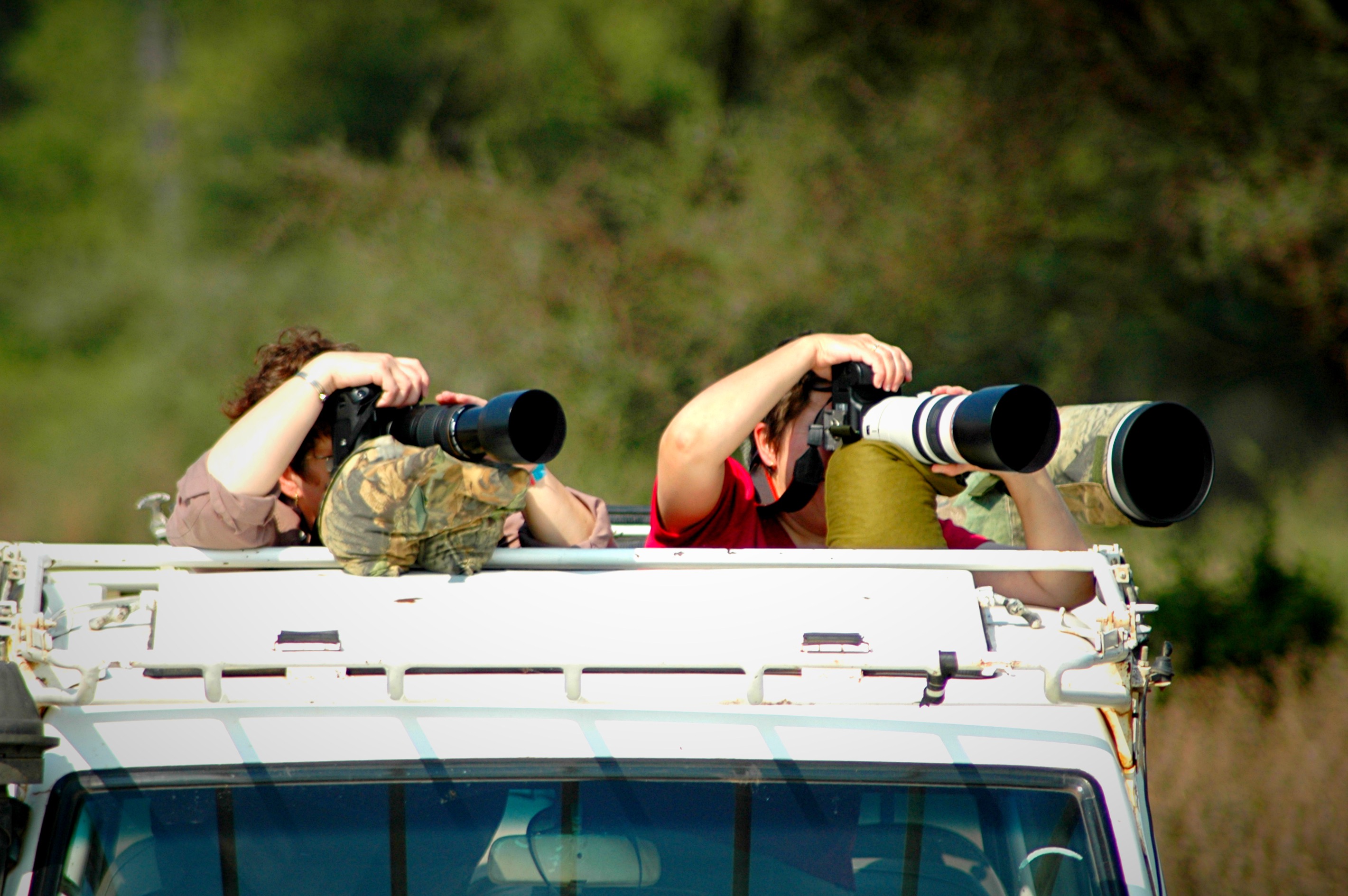
Photographers and anyone shooting a lot of video should think about storage as much as signal. Carry spare memory cards, and back up to a laptop or a cloud service when you have a decent connection, usually at a lodge in town rather than in the bush. Phone batteries drain faster in heat and when searching for a weak signal, so switch to airplane mode when you know there is no coverage, which also saves power. A small, well-charged power bank is one of the most useful items in your bag.
Roaming and safety
If you rely on roaming, check the charges, since they can be high, and set a data limit or switch data roaming off when you do not need it. Be aware that data costs can accumulate quickly with background activity. Keep your phone secure: do not leave it visible in vehicles or on tables in towns, since theft from parked cars and bag snatching happen, and use a screen lock and a tracking app. Avoid public Wi-Fi for banking, and use a VPN if you handle sensitive information.

Be careful with SIM and mobile money scams, which exist like anywhere. Never share verification codes or PINs, and ignore messages asking you to send money. If you lose your phone, tell your operator and your carrier, and block your SIM. Keep a note of important numbers somewhere other than your phone. If you are travelling with us, we will give you a contact number for your trip, and we suggest saving it before you fly.
If you are visiting more than one country on the same trip, such as Kenya or Rwanda alongside Tanzania, check whether a regional eSIM covers all of them, since a local SIM from one country will not normally work in another without roaming charges. Some travellers carry a small phone dedicated to local use, which keeps their main phone and its accounts safe from loss or theft. These are matters of preference, and whichever you choose, set it up before you leave the airport or your lodge, so you are not trying to troubleshoot in the middle of a park.
Our suggestion
For a typical one or two-week safari, we suggest buying a small data package from Vodacom or Airtel at an official shop in Arusha, with your passport, or an eSIM bought before you fly if you want to be connected on landing, keeping your phone unlocked and your home SIM safe. Download maps and documents before you leave town, and enjoy the signal-free stretches. If you have particular needs, such as working remotely, tell us when you book and we will plan around the best coverage.
Need to stay connected for work? Tell Sokwe Africa Safaris and we will choose camps with the best connections and suggest a network for your route.
Frequently asked questions
Can I buy a SIM card at the airport in Tanzania?
Yes, though prices are often higher and queues can be long. Buying at an official store in Arusha or Moshi is usually cheaper, and your lodge or operator can point you to a reliable one.
Do I need my passport to buy a SIM card in Tanzania?
Yes. SIM registration is required by law, and visitors are asked to show their passport at an official carrier shop. Avoid street sellers, since unregistered SIMs can be blocked.
Which network is best in Tanzania for tourists?
Vodacom is often reported to have the widest national coverage and Airtel good coverage in the northern safari areas. Coverage varies by location, so ask your guide or lodge which works best on your route.
Is an eSIM better than a local SIM in Tanzania?
An eSIM is convenient, and a travel eSIM can be activated before you fly, but it is often more expensive per gigabyte. A local SIM from an official store is usually cheaper for heavy data use.
Will my phone work in the Serengeti?
Signal is available in some areas, often near lodges and main tracks, and absent in others. Prepare offline by downloading maps and saving documents before you leave town.
Do safari camps have Wi-Fi?
Many do, in main areas and sometimes in rooms, but speeds vary and some remote camps have none. Do not rely on it for video calls or large uploads.